

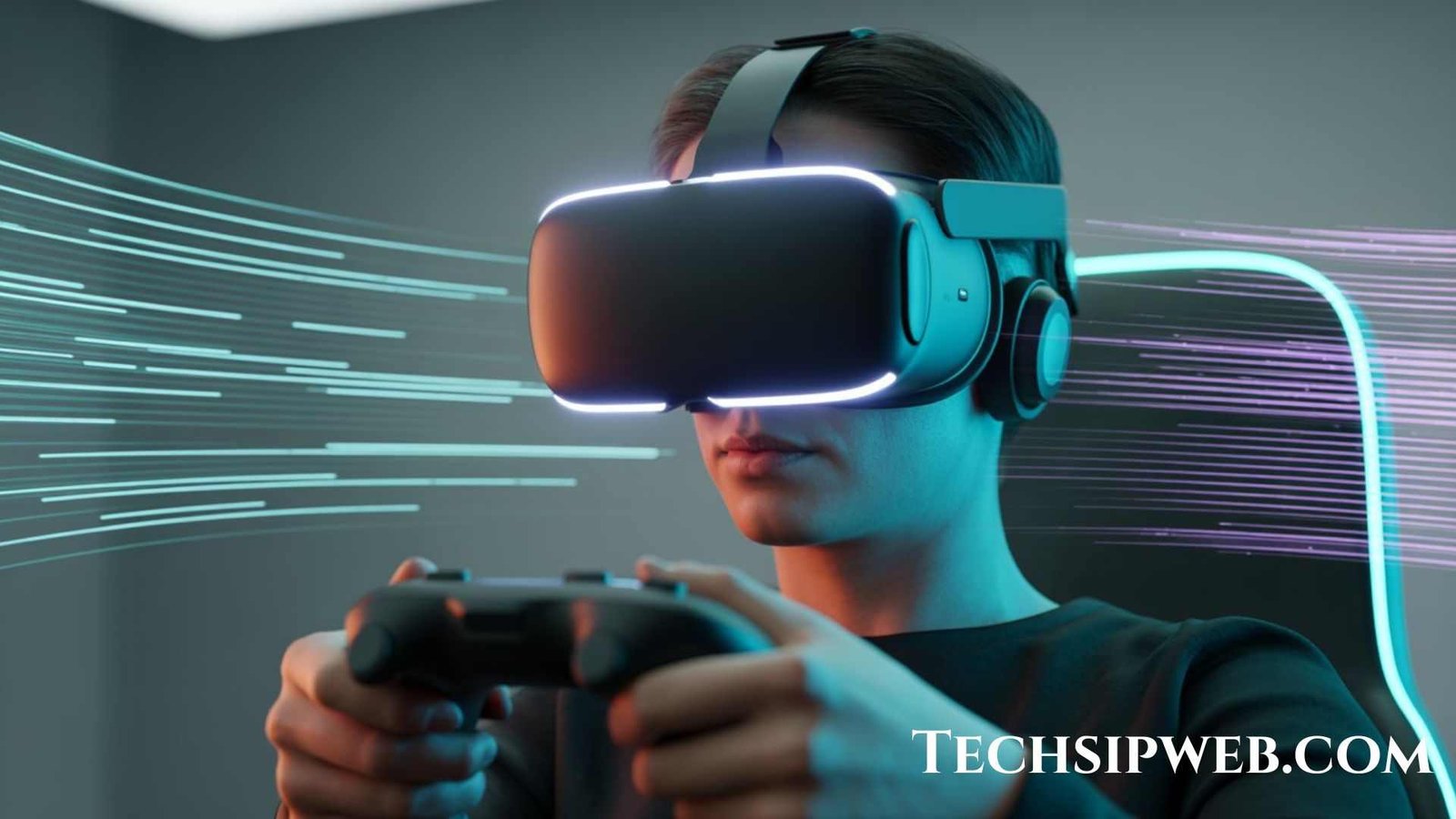
Virtual Reality (VR) is no longer just a futuristic idea, it is a powerful technology changing gaming, education, business and even healthcare. But the big question remains: How does virtual reality actually work?
To help you understand clearly let’s explore how VR functions, what devices make it possible and how different industries are using it today.
What Is Virtual Reality (VR)?
Virtual Reality is a simulated digital environment that lets you experience and interact with a 3D world as if you are actually there.
By wearing a VR headset, you step into a computer-generated place, a game, a classroom, a hospital training room, or even outer space.This feeling of being “inside the virtual world” is called presence.
How Does Virtual Reality Work? (Step-by-Step Breakdown)
Let’s break VR into simple parts to understand how the technology works.
1. VR Headsets Create a 3D Visual Experience
A VR headset (like Meta Quest, HTC Vive, or PlayStation VR) contains:
- Dual screens (one per eye)
- Special lenses
- High refresh rate display
- Wide field of view
These create a lifelike 3D effect using stereoscopic imaging making objects appear close, far, big or small just like real life.
Key Terms:
- FOV (Field of View): Area you can see inside VR.
- Refresh Rate: How fast images update (e.g., 90Hz, 120Hz). Higher = smoother experience.
2. Sensors Track Your Head Movements (Head Tracking)
Every VR headset includes advanced sensors such as:
- Gyroscope
- Accelerometer
- Magnetometer
- Optical tracking cameras
These sensors track:
- Tilting (up/down)
- Turning (left/right)
- Leaning (forward/back)
This tracking is called 6DoF Six Degrees of Freedom.Because of this, when you move your head, the virtual world moves instantly with you, making it feel natural.
3. Hand Controllers Track Your Arm Movements
VR controllers use:
- Infrared LEDs
- Haptic motors
- Buttons and triggers
- Motion sensors
These allow you to:
- Grab objects
- Throw things
- Shoot in games
- Draw in 3D
- Press virtual buttons
Some newer systems even use hand tracking which means you don’t need controllers at all; the headset tracks your actual fingers.
4. Audio Technology Adds Realistic Sound
VR uses spatial audio (3D sound).This means you hear sounds from:
- Behind you
- Above you
- Beside you
- Far or near
This audio mimics real-life directions and distances, increasing immersion.
5. VR Software Creates the Virtual World
Behind the experience is powerful software built using:
- Unity
- Unreal Engine
- Custom VR engines
Software handles:
- Graphics
- Object behavior
- Physics (gravity, motion, collisions)
- Lighting
- Interactions
For example: If you throw a ball in VR, the physics engine decides its speed, angle, bounce, and fall.
6. Room-Scale Tracking Tracks Your Entire Body
Some VR systems place sensors or cameras around your room.They track:
- Walking
- Turning
- Jumping
- Hand distance
- Body movements
This is called room-scale VR and makes the experience even more lifelike.
How VR Tricks Your Brain: The Science Behind It
VR works by combining:
- Vision
- Sound
- Motion
- Interaction
Your brain receives signals from the headset and controllers so smoothly that it believes the virtual world is real.This is done using:
Motion Parallax
Objects closer move faster than objects far away.
Depth Cues
Shadows, lighting and perspective create depth.
Latency Reduction
VR must update within 20 milliseconds to avoid motion sickness.
Types of Virtual Reality
To expand your article here are detailed types of VR:
1. Non-Immersive VR
You interact with a 3D environment on a screen. Example: PC games, simulation software.
2. Semi-Immersive VR
Large screens or projectors create partial immersion.Example: Flight simulators used by pilots.
3. Fully Immersive VR
Headset + sensors + controllers give a complete 3D experience.Example: Meta Quest, HTC Vive, PS VR.
4. Collaborative VR
Multiple users interact inside the same virtual space.Example: VR meetings, VR classrooms.
Devices Used in VR Technology
You can also expand the article by listing VR devices:
VR Headsets
- Meta Quest
- HTC Vive
- PS5 VR
- Valve Index
VR Gloves
Allow touch-based interaction.
VR Treadmills
Let you walk inside VR.
VR Haptic Suits
Give physical sensations (vibration, impact).
Where Is Virtual Reality Used? (Expanded List)
Gaming and Entertainment
Immersive gaming, roller coaster sims, VR theme parks.
Education & Learning
Students can explore the solar system, biology labs, and history places.
Healthcare
- Surgical training
- Mental therapy
- Pain management
Real Estate
Virtual home tours.
Business & Corporate Training
VR meetings, product demos, safety training.
Military
Combat training, mission simulations.
Engineering & Design
Create and test 3D models.
Tourism
Visit places virtually before booking.
Sports
Player training, performance analysis.
Advantages of Virtual Reality
- Enhances learning
- Improves training safety
- Saves time & cost
- Boosts creativity
- Removes physical limitations
- Helps medical patients
- Provides immersive entertainment
Challenges of Virtual Reality
To make the article more complete, here are real challenges:
- Motion sickness
- High cost of equipment
- Requires strong hardware
- Limited physical space
- Long-term usage discomfort
Future of Virtual Reality
VR will become:
- More realistic
- Wireless
- Affordable
- AI-driven
- Used for work and education
- Connected with Augmented Reality (AR)
- Part of the Metaverse
Future VR will even include smell, touch and full-body tracking.
FAQ’s
1. What devices do you need to play VR?
You need a VR headset, controllers, and in some cases a VR-ready PC or console. Some headsets (like Meta Quest) work without a computer.
2. What are the three types of virtual reality?
The three types are:
- Non-immersive VR (computer screen)
- Semi-immersive VR (simulators)
- Fully immersive VR (VR headsets)
3. Is virtual reality good or bad for you?
VR is good for learning, gaming, and training, but too much use can cause eyestrain, headaches, or motion sickness. Using it in moderation is safe.
4. How do I get started with virtual reality?
Choose a VR headset, set up a safe play area, follow the setup instructions, download VR apps or games, and begin exploring.
5. What is required to use VR?
You need a VR headset, controllers, and sometimes a powerful PC, console, or smartphone, depending on the type of VR system.
6. Can I watch Netflix in VR?
Yes, you can watch Netflix in VR using the Netflix VR app or a virtual theater app. You watch shows on a big virtual screen.
7. Does Amazon Prime have VR movies?
Amazon Prime doesn’t offer special VR movies, but you can watch normal Prime Video content on a virtual cinema screen using VR apps.
8. Why did Netflix get removed from VR?
Netflix stopped updating the VR app because very few people used it, so the company chose to focus on regular mobile and TV apps instead.
9. What is the Netflix 649 plan?
The ₹649 plan (in India) is the Standard Plan, which offers HD quality and allows streaming on two devices at the same time.
10. Which Netflix plan is $1200?
The ₹1,200 Netflix plan (in India) is the Premium Plan, which lets you watch in Ultra HD (4K) on four devices at once.
11. Is Netflix free with Amazon Prime?
No, Netflix is not free with Amazon Prime. They are two separate services and require separate subscriptions.
12. Is Netflix ending its basic plan?
Yes, in some countries, Netflix has removed the Basic plan and only offers Standard and Premium plans.
Conclusion
Virtual Reality works by combining advanced screens, sensors, controllers, and software to create a 3D world that feels real. It tracks your head, hands, and body movements and responds instantly, giving you a lifelike experience. As technology improves, VR will continue changing the way we learn, work, play and interact.
Looking for more Article? Check out my website for the latest content.